One long video in. Dozens of viral clips out.
Clipcaptor's AI watches every frame of your footage, finds the moments worth sharing, and turns them into captioned, reframed, ready-to-post clips, automatically.
Cancel anytime. Plans start at $19/mo.
Recently generated clips
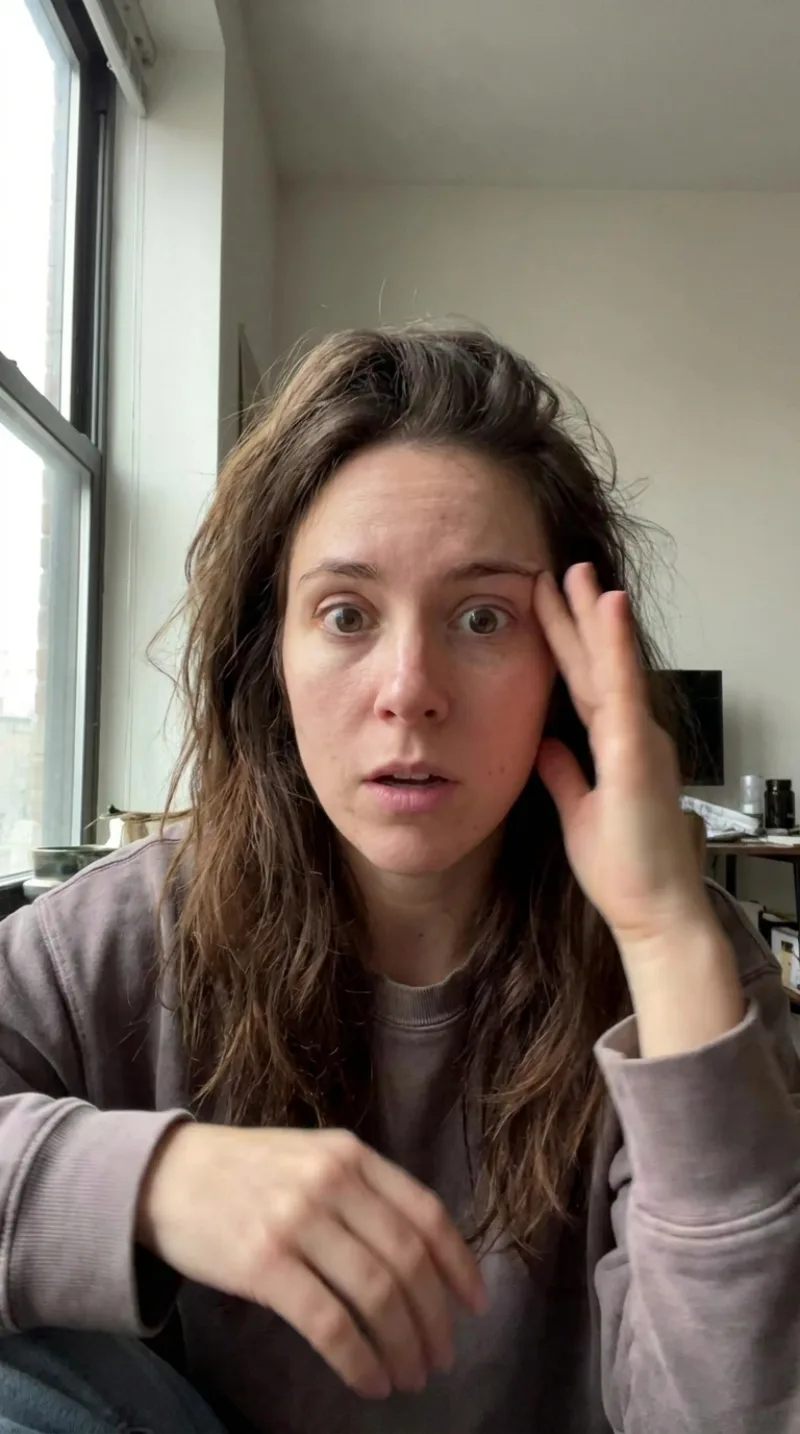 94
94
"The moment everything clicked"
 88
88
"Why nobody tells you this"
 91
91
"3 minutes that changed my career"
 82
82
"The reaction says it all"
AI that understands every pixel and frame
Clipcaptor doesn't just cut on silence. It watches, listens, and reads your footage the way an editor would, then acts on it instantly.
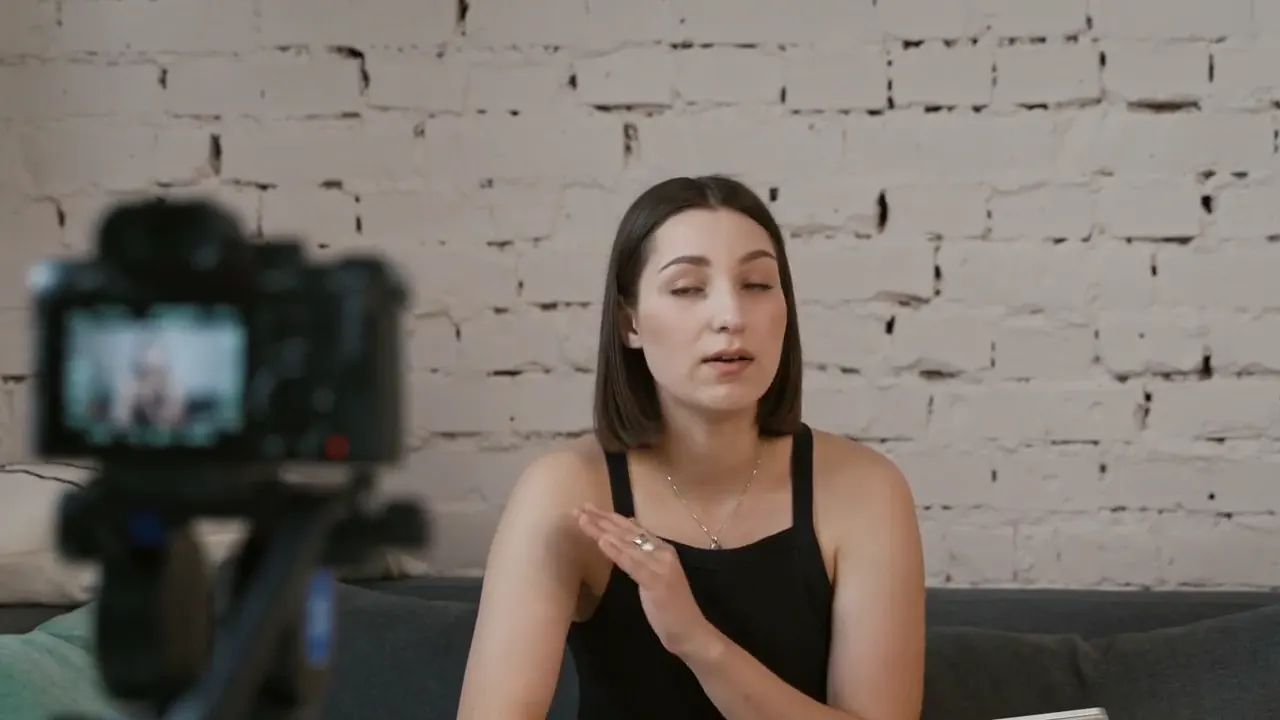
Describe a moment. AI finds and cuts it.
Type "the part where the crowd goes silent" and Clipcaptor scans the transcript, audio, and visual cues to jump straight to that frame, then cuts a clip around it automatically.
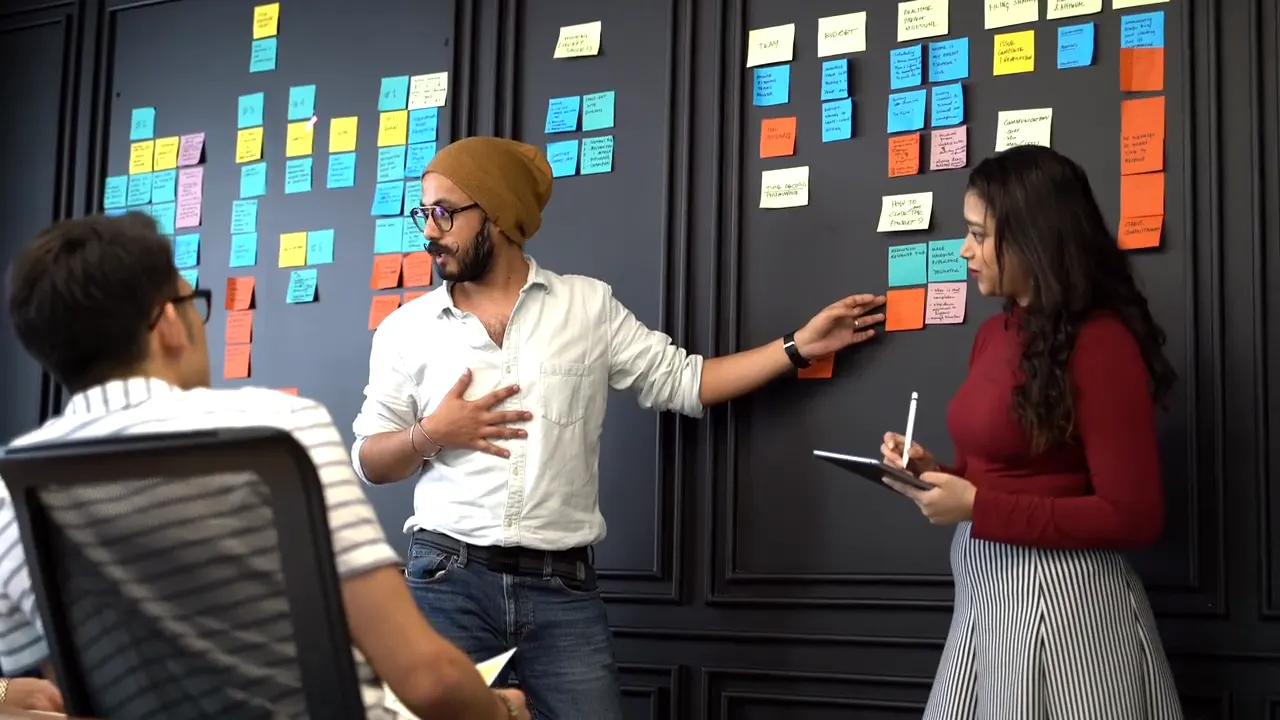
Auto-reframe for every aspect ratio
Clipcaptor tracks faces and motion to reframe horizontal footage into 9:16, 1:1, or 4:5 in real time, keeping the subject centered no matter how the shot moves.
Your content creation, on autopilot
From raw footage to published clip in three steps. Most of the work happens without you.
Connect a video source
Upload a file or paste a link from YouTube, Zoom, Google Drive, or a livestream VOD.
AI clips, captions, and reframes automatically
Clipcaptor finds the best moments, adds animated captions, and reframes for every platform, no manual editing required.
Review, brand, and publish
Approve the clips you love, apply your brand template, and publish instantly or schedule for later.
AI that edits alongside you, not just for you
Every clip comes pre-edited with the details that used to take hours. You just decide what stays.
Animated captions with style presets
Word-by-word animated captions in dozens of styles, or save your own as a preset.
Auto b-roll insertion
Relevant stock or AI-generated cutaways inserted automatically, right on beat.
Filler-word & silence removal
"Um," dead air, and long pauses trimmed automatically for tighter pacing.
Virality scoring
Every clip scored 0-100 so you always know which cut to post first.
Multi-language support
Transcribe, caption, and translate into 99+ languages automatically.
Scale your output, not your overhead
The tools that let a team of one publish like a team of ten.
Brand templates
Save your fonts, colors, and logo once, apply them to every future clip in one click.
Team workspace
Shared projects, role-based permissions, and built-in review and approval for your whole team.
Workflow integrations
Export to Premiere or Resolve, or auto-publish straight to socials via the built-in scheduler.
A growth partner, not just an editing tool
See what creators are saying, and what consistent clipping does to an account's growth curve.














- 5 out of 5 stars. “Clipcaptor already feels like it replaced an editor on my team, not just assisted one.” Maya Chen, Tech Reviews
- 5 out of 5 stars. “I went from posting twice a week to daily without adding a single hour to my schedule.” Diego Alvarez, Fitness
- 5 out of 5 stars. “The virality scoring is shockingly accurate for something this early in beta.” Hannah Osei, Comedy Sketches
- 4 out of 5 stars. “Auto-reframe saved my editor a full day per week from the first clip.” Tomás Rivera, Cooking
- 5 out of 5 stars. “Captions alone doubled our average watch time within the first month.” Aisha Bello, Education
- 5 out of 5 stars. “We manage two client brands from one Clipcaptor workspace now. Big time saver for a small agency.” Ryan Fitzgerald, Agency Owner
- 5 out of 5 stars. “Signed up the week it launched. It's already the fastest step in my workflow.” Jordan Reyes, Lifestyle
- 4 out of 5 stars. “The best-frame thumbnail picks are better than what I was choosing manually.” Priya Anand, News & Talk
- 5 out of 5 stars. “Clip detection found a moment in my podcast I'd completely forgotten about.” Marcus Webb, Podcast Host
- 5 out of 5 stars. “Being an early user meant I could ask for a feature and see it shipped weeks later.” Dana Michaels, Interviews
- 5 out of 5 stars. “I stopped dreading VOD reviews. Clipcaptor finds the highlight before I even sit down.” Kai Thornton, Livestreaming
- 4 out of 5 stars. “Our agency onboarded onto Clipcaptor in an afternoon. Clients noticed the turnaround immediately.” Layla Haddad, Agency Owner
- 5 out of 5 stars. “Multi-language captions meant I could reach an audience I'd never posted to before.” Sam Okafor, Advertising
- 5 out of 5 stars. “Auto-reframe understood my two-person podcast setup better than I expected.” Elena Cruz, Community
Frequently asked questions
Everything you need to know about clipping with Clipcaptor.
Still have questions?
Our team can walk you through anything Clipcaptor does.
Start turning your videos into clips today
Be one of the first to turn long videos into clips that publish themselves.
Get started